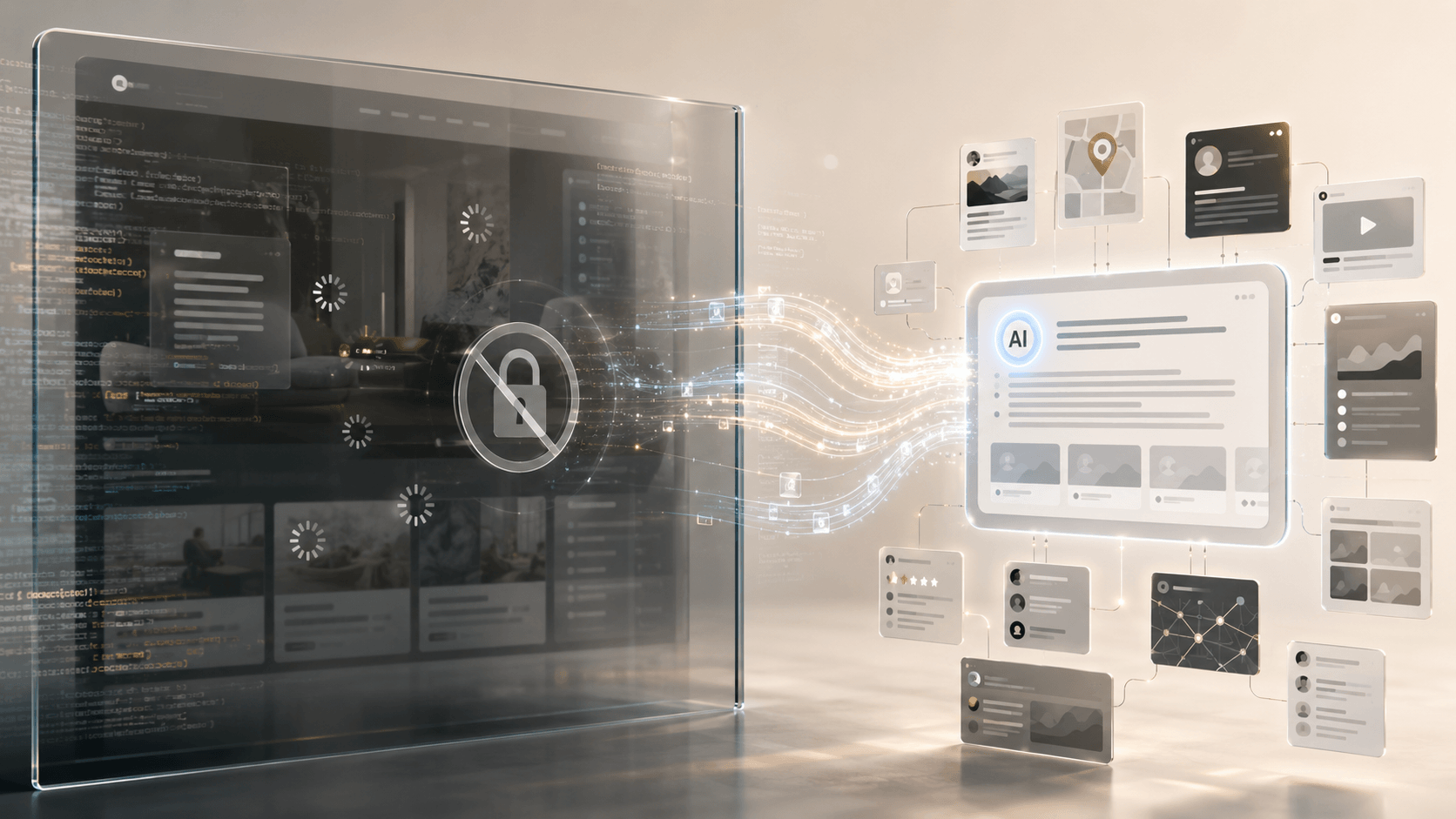

With all the talk of ID to use the internet and everyone asking about VPNs, I decided to put together this comprehensive guide on VPNs.
A VPN is one of those bits of internet plumbing that has somehow become both famous and badly misunderstood. Most people have heard of VPNs. Many have used one. Plenty have been told they need one. And if you spend more than seven minutes on YouTube, you will eventually be told that a VPN will protect your privacy, secure your data, unlock the internet, hide your location, stop hackers, defeat censorship, prevent tracking, protect you on public Wi-Fi, and possibly make your tea if you ask nicely.
As usual, the marketing got there first and the explanation arrived late, sweating, carrying a broken diagram.
So let's start properly.
A VPN is not magic. It is not invisibility. It is not a cloak. It does not make you anonymous. It does not stop companies recognising you when you log into your accounts. It does not undo cookies, browser fingerprinting, payment records, device IDs, email addresses, phone numbers, or the fact that you keep clicking 'accept all' on every cookie banner like a man trying to get out of a car park.
A VPN is much simpler than that.
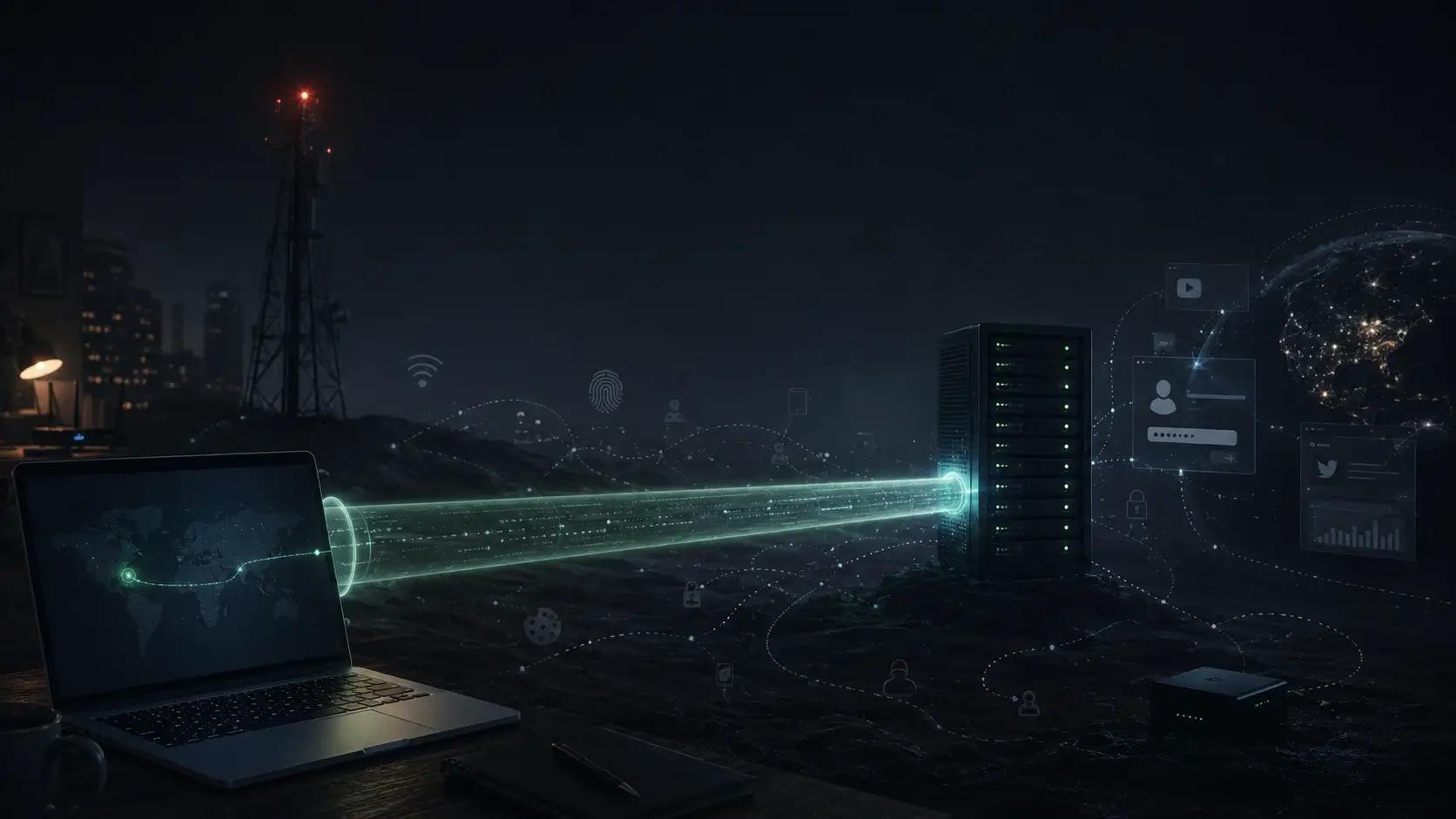
A VPN is a secure tunnel between your device and another network.
That is the whole thing. Everything else flows from that.
The real question is not 'does a VPN protect me?' The real question is: protect you from what, from whom, and where does the tunnel come out?
Because that last part matters.
What Is a VPN?
VPN stands for virtual private network.
A private network is normally something local or restricted: your home network, your office network, your company's internal systems, or the little digital kingdom sitting behind your router with a printer, a NAS, a smart TV, three forgotten devices called 'ESP-32-something', and a router admin panel last redesigned during the Roman Empire.
A VPN lets a device connect to a private network over the public internet.
Instead of physically being in the office, you connect through an encrypted tunnel. Instead of being at home, you can connect back to your home network whilst travelling. Instead of your laptop sending traffic directly through a hotel Wi-Fi network, it can send traffic through a VPN server first.
The 'virtual' part means the private connection is created in software.
The 'private' part means the traffic inside the tunnel is encrypted.
The 'network' part means your device can behave as if it is connected somewhere else.
That somewhere else might be:
- a commercial VPN provider's server
- your company's network
- a cloud server you rent yourself
- a mini PC sitting beside your router at home
- a firewall appliance in a small office
- a Raspberry Pi, old thin client, or spare desktop
- a mesh network built with something like Tailscale
Same basic idea. Different purpose.
A VPN creates a tunnel. The usefulness depends on where that tunnel goes.
How Your Internet Normally Works
Without a VPN, the path is fairly direct.
You open a website. Your device connects through your local network, then through your internet provider, then out to the website or service you requested.
Simplified, it looks like this:
Your device
   ↓
Your router / local network
   ↓
Your ISP or mobile carrier
   ↓
The internet
   ↓
Website or app
This means your internet provider can usually see that you are connecting to certain services or domains, even if the contents of modern HTTPS traffic are encrypted.
The coffee shop Wi-Fi cannot usually read your online banking traffic if HTTPS is working properly, but it can still be part of the path. Your employer's network, school network, hotel Wi-Fi, airport Wi-Fi, mobile carrier or ISP may see metadata about where traffic is going.
Not every network is malicious. Most are just networks. But some are badly configured, some are monitored, some are restrictive, and some are absolutely the sort of public Wi-Fi you connect to once and immediately feel your laptop needs a bath.
How A VPN Changes The Route
With a VPN, your device first creates an encrypted connection to a VPN server.
Your traffic goes into that tunnel. The VPN server receives it, sends it onward to the website or app, receives the response, and sends it back to you through the tunnel.
Simplified:
Your device
   ↓
Encrypted VPN tunnel
   ↓
VPN server
   ↓
The internet
   ↓
Website or app
To the local network, your traffic appears to be going to the VPN server.
To the website, your traffic appears to be coming from the VPN server.
That is the basic trick.
It changes who can see what.
Your local network sees that you are connected to a VPN, but it cannot easily inspect everything inside the encrypted tunnel.
The website sees the VPN server's IP address, not necessarily your home IP address.
Your ISP sees that you are connecting to a VPN server, but not the same detail about all the websites and services passing through that tunnel.
Again, this is useful. But it is not invisibility.
It is a change in route and trust.
The Tunnel Analogy
The easiest way to understand a VPN is to imagine a tunnel from your device to another place.
Without a VPN, you drive along public roads. People along the route can see parts of the journey. They may not see everything inside the car, but they can see enough to know roughly where you are going.
With a VPN, the first part of the journey happens inside a private tunnel. People near you can see you entering the tunnel, but not exactly what happens inside it.
Then you come out at the other end.
And that is the bit people forget.
You still come out somewhere.
If the tunnel exits through a commercial VPN company in Amsterdam, that is where websites see you coming from.
If it exits through your own cloud server in Frankfurt, that is where websites see you coming from.
If it exits through your house in Cork, Madrid, Podgorica or wherever you live, then websites see your home connection.
If it exits through your company network, then you are effectively operating from inside that company network.
So the question is not just 'am I using a VPN?'
The question is: where does the tunnel end?
What A VPN Can Hide
A VPN can hide some things very well.
- Hide your traffic from the local network you are using. If you are on public Wi-Fi, the café, hotel, airport or coworking network should not be able to inspect the contents of your VPN traffic
- Hide your normal IP address from websites. The site you visit sees the VPN server's IP address instead
- Reduce what your ISP sees. Your ISP may see that you are connected to a VPN, but not the same direct list of websites and services routed through it
- Help you access private systems safely. Instead of exposing admin panels, dashboards, file shares, databases, staging sites or home services to the open internet, you keep them private and connect through the VPN first
- Make public Wi-Fi safer. Public Wi-Fi is not automatically death, despite what some marketing departments would like you to believe, but a VPN is still a sensible extra layer when using networks you do not control
- Help separate your normal internet connection from a specific task. For example, developers, testers, journalists, researchers and business users may want to route traffic through a particular server or country for legitimate work reasons
That is all real.
A VPN is useful.
But usefulness is not the same as fantasy.
What A VPN Does Not Hide
A VPN does not stop a website knowing who you are if you log in.
If you sign into Google, Google knows it is you. If you sign into Facebook, Facebook knows it is you. If you sign into your bank, your bank does not say, 'Ah, mysterious stranger from a VPN server, we have no idea who this could be.' It knows perfectly well. You authenticated.
- Remove cookies
- Remove tracking pixels
- Stop browser fingerprinting
- Change your writing style, login habits, payment method, delivery address, device profile, email address, phone number, or your Thursday evening sourdough starter searches
- Protect you from malware if you download something stupid
- Make phishing emails safe
- Secure an already compromised device
- Stop you handing over information
- Make illegal activity legal
- Make you anonymous in any serious sense
This is where VPN advertising often becomes nonsense.
A VPN can hide your IP address from a website. That is not the same as hiding your identity from the internet.
A VPN can reduce what your ISP sees. That is not the same as eliminating tracking.
A VPN can protect traffic on hostile networks. That is not the same as making you secure against every threat.
A VPN is one tool. A useful one. But still one tool.
The Trust Trade-Off
This is the most important part of the whole article.
A VPN does not remove trust.
It moves trust.
Without a VPN, you are trusting your ISP, mobile carrier, school network, employer network, hotel Wi-Fi or café Wi-Fi with some visibility over your traffic.
With a VPN, you are trusting the VPN provider instead.
That may be better. It may be worse. It depends on the provider.
If you use a commercial VPN, your traffic goes through that company's servers. That means the VPN company is now in a very powerful position. It may not be able to read properly encrypted HTTPS content, but it may still see connection metadata, account data, device data, timing, bandwidth, destination IPs, DNS requests depending on configuration, and other operational information.
This is why 'no logs' claims matter.
It is also why they should not be swallowed whole like communion.
'No logs' can mean different things. Some providers keep no activity logs but keep connection logs. Some keep billing data. Some keep diagnostics. Some keep temporary operational data. Some have had third-party audits. Some have not. Some are run by serious security teams. Some are marketing companies wearing a hoodie.
So the correct way to think about a VPN is this:
A VPN can reduce what your local network and ISP can see, but it increases what your VPN provider could see.
That does not mean you should avoid VPNs. It means you should stop treating them like holy water.
Choose carefully.
Or build your own.
Why People Use VPNs
People use VPNs for different reasons, and the reason matters.
Public Wi-Fi Protection
This is the classic consumer use case.
You are in a hotel, airport, café, conference centre or shared workspace. You do not control the network. You do not know who else is on it. You do not know how well it is configured.
A VPN gives you an encrypted tunnel out of that network.
It is not the only protection you need, but it is sensible.
Remote Work
This is the classic business use case.
Staff need to access internal systems from outside the office. A VPN lets them connect to the company network securely.
That might mean access to file shares, internal tools, admin systems, staging environments, databases, dashboards, monitoring systems, intranet services or private applications.
This use case has existed for decades. It is not glamorous, but it matters.
Accessing Home Services
This is the home tinkerer use case.
You have a NAS, Home Assistant, a media server, a private dashboard, a backup system, a dev machine, cameras, a small Docker host or some local tools at home.
You want to access them whilst away, but you do not want to publish every service to the open internet.
A VPN gives you a secure route home.
Business Infrastructure Access
This is the modern small-business use case.
You may not have an office network in the old sense. Your systems might live in cloud servers, a private VPC, admin dashboards, internal tools, staging environments or self-hosted apps.
A VPN can create a controlled access layer around those systems.
Instead of exposing admin panels publicly, you require VPN access first.
Privacy From ISP Or Local Network
Some people use VPNs because they do not want their ISP or local network seeing as much about what they do online.
This is a valid reason.
But again, it shifts trust to the VPN provider.
Region Testing
Developers, marketers, SEO people, compliance teams and content teams may need to see how websites behave from different countries or locations.
A VPN can help with that.
This is not about 'unlocking Netflix.' It is about testing, debugging, compliance, localisation, search results, pricing pages, regional redirects and other legitimate operational questions.
Getting Around Bad Network Restrictions
Some networks block perfectly normal services. Schools, offices, hotels and public networks can be overzealous.
A VPN may route around some of that.
Whether you should do that depends on the network rules, your situation and the law where you are. Boring answer, yes. Still true.
VPNs And Zero Trust
Traditional VPNs often work on the idea that once someone is connected to the private network, they are 'inside.'
That can be risky.
If the VPN gives broad network access, then a compromised account or device can become a serious problem. The person gets into the network and can potentially move around more than they should.
This is why modern business security has moved towards Zero Trust ideas.
Zero Trust does not mean 'trust nobody and live in a bunker.'
It means access should be specific, verified and limited.
A VPN might get you to the door. Zero Trust thinking asks:
- Who are you?
- What device are you using?
- Is the device healthy?
- What application are you trying to access?
- Do you need access to the whole network or just one service?
- Should this session expire?
- Is this behaviour normal?
- Can access be revoked quickly?
For small businesses, this matters.
A simple VPN is often a good first step. But if the VPN gives everyone access to everything, you have created a very convenient private tunnel and then left all the internal doors open. Not ideal.
So when building a business VPN, think beyond 'can they connect?'
Think: what can they reach once connected?
Web Design Need a website that actually works and converts visitors into clients? Our web design services build digital ecosystems, not just brochures.
See how it worksCommercial VPN, Cloud VPN, Or Self-Hosted VPN?
There are three broad types of VPN setup worth understanding.
Commercial VPN
This is the consumer product most people know.
You pay a company. You install their app. You choose a server. Your traffic routes through their infrastructure.
Good for:
- Public Wi-Fi protection
- Hiding your home IP from websites
- Simple setup
- Region testing
- Non-technical users
Weaknesses:
- You must trust the provider
- Crowded IPs may be blocked by some sites
- 'No logs' claims vary in quality
- Not ideal for accessing your own internal systems
Cloud VPN
You rent a cloud server and install VPN software on it yourself.
Good for:
- Controlling your own infrastructure
- Getting a dedicated IP address
- Learning how networking works
- Avoiding crowded commercial IPs
Weaknesses:
- You have to manage it
- The IP is linked directly to your server
- Not anonymous (the hosting company knows who you are)
Self-Hosted VPN
You install VPN software on a device you own, like a Raspberry Pi, a router, or a spare PC.
Good for:
- Accessing your home network remotely
- Secure remote work
- Keeping data entirely under your control
- Learning
Weaknesses:
- Requires technical knowledge
- Depends on your home upload speed
- You are responsible for security updates
Final Thoughts
A VPN is a tool. It is a secure tunnel between two points. It is not a magic shield against all the dangers of the internet.
- If you need to connect to a private network securely, use a VPN
- If you need to protect your traffic on public Wi-Fi, use a VPN
- If you need to hide your IP address from a website, use a VPN
But remember, trust is never eliminated. It is only moved. Choose your provider carefully, or build your own.